

For a modern FileMaker solution in 2026, AI should not be treated as a novelty feature or an add-on. The most valuable implementations focus on productivity, decision support, and automation directly inside the workflows your users already follow.
Here are
7 AI capabilities
that are practical, deployable today, and valuable for business systems built with FileMaker.
1. Natural Language Search Across the Database
A complicated Find request requires specific knowledge of how to use filters and exclusions and multi-step queries. This is often beyond the experience of many FileMaker users who don’t have developer training. But, using AI, users can ask questions in plain language, such as:
- “Show unpaid invoices from customers in Texas over $10k.”
- “Orders from last week that haven’t shipped.”
Instead of being forced to use the language of FileMaker to create a correctly formatted request, AI changes the question into structured query that FileMaker understands. So the AI is like a translator, converting ordinary questions, into the language of FileMaker.
Using the AI ability in FileMaker, the program will run query via ExecuteSQL command and return the results in a set of records.
Benefits:
- Eliminates complicated find screens.
- Great for executives and casual users.
2. AI-Generated Record and Document Summaries
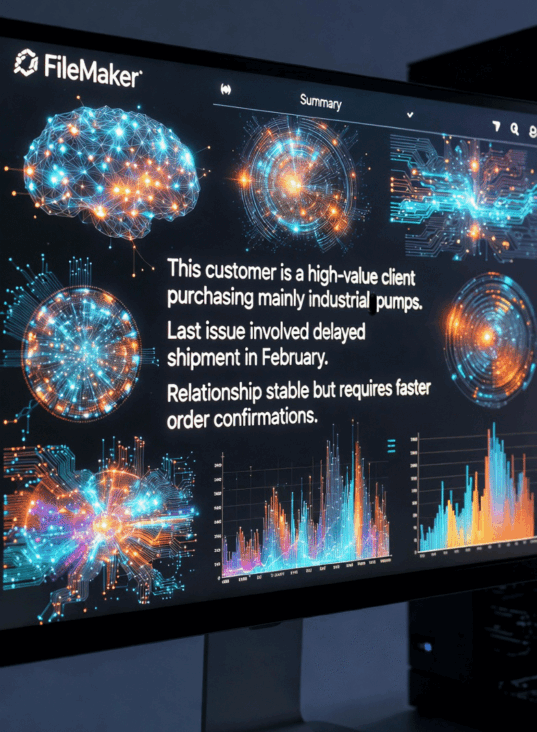
AI can quickly summarize complex records. For example, a customer record may contain:
- notes
- emails
- orders
- support tickets
AI capabilities could generate a summary based on that data, like this:
“This customer is a high-value client purchasing mainly industrial pumps. Last issue involved delayed shipment in February. Relationship stable but requires faster order confirmations.”
Possible uses:
- Customer Relations Manager applications
- case management for social or medical associations
- legal files
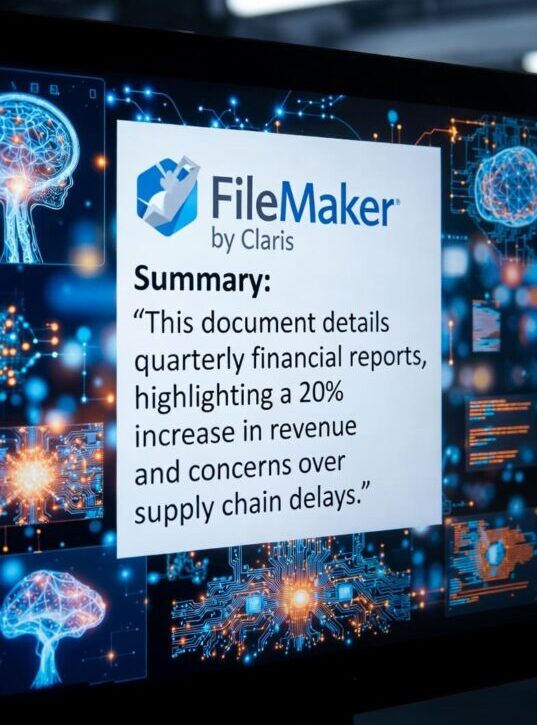
Summaries could also be created automatically for:
- contracts
- inspection reports
- meeting transcripts
- technical manuals
The benefit is that users only need to read a 10-line summary instead of 30 pages.
3. Email Drafting From Record Data
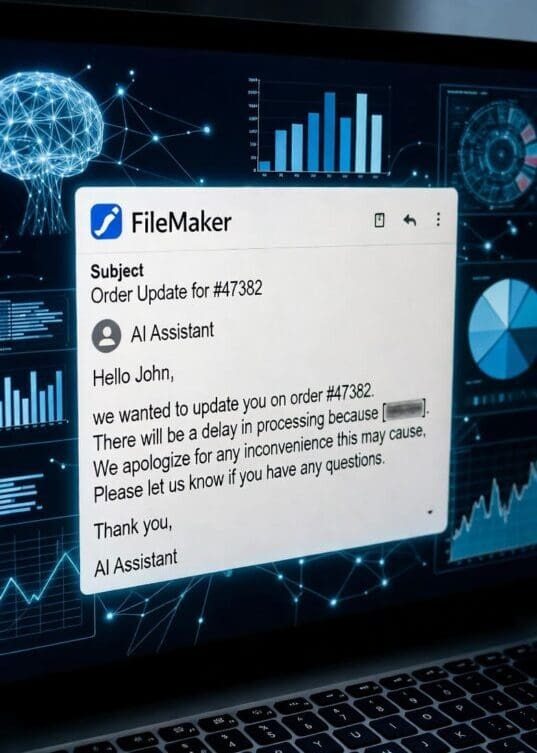
Here’s a practical application most user can relate to: Press a button and AI drafts an email using record data. FileMaker has always been able to do mail-merge emails, inserting variables into a pre-formatted report, but this goes even further. No pre-formatted template is required, but the AI generates a report that follows whatever prescribed format you desire:
– a natural sounding text message,
– a business-like email.
– a structured report including columns and lists.
For example, a customer record may contain this data:
- customer name
- order
- delay reason
The AI generates a human-sounding email, such as:
“Hello John, we wanted to update you on order #47382. There will be a delay in processing because _______”
Benefits:
- faster communication that takes less mental strain.
- consistent tone. No need to worry if an inexperience employee will accidentally insult the client
- fewer mistakes. Same results every time.
4. Automatic Data Classification
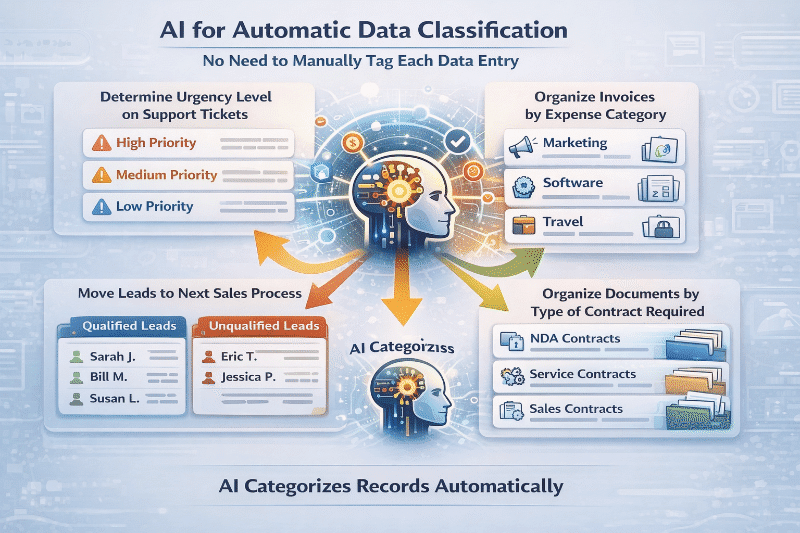
AI can categorize records automatically. For example:
- Determine the urgency level on support tickets
- Organize invoices by expense category
- Move appropriate leads to the next sales process
- Organize documents by the type of contract required
This removes huge amounts of manual tagging and the programming required to set up an advanced tag system. This is extremely valuable solution for support teams.
5. AI Report Generation
Instead of static reports, a FileMaker application powered by AI could write a dynamic analysis. For example, you might have a database filled with sales data and the AI generates a report from it: “Sales increased 14% this quarter driven primarily by the Midwest region…”
This would be valuable for:
- executive dashboards
- weekly reports
- operational summaries
6. AI Workflow Recommendations
A FileMaker application powered by AI could analyze system activity and suggests improvements. Instead of simply reviewing the visible data residing in a record, it could access the meta data that is saved with every record, such as: who accessed a record, who changed it, and how frequently.
Example suggestions:
- “Orders from customer X frequently require manual correction.”
- “This inventory item frequently runs out before reorder point.”
This turns FileMaker into a decision-support system.
7. AI-Powered Conversational Knowledge Assistant
Using the AI commands in FileMaker, you could turn your database into a question-answer system.
For example, the user asks: “What are the warranty rules for Model XR200?”
And the AI in the application searches:
- product docs
- service records
- manuals
and returns an answer.
This solution would use the AI method known as RAG (retrieval augmented generation), where your data or documents becomes the knowledge base that the AI accesses, instead of going online and using the internet as the source of information.
Here’s an example for a chat panel:
The user asks: “Create a new customer for Midwest Pump.”
The automated assistant creates a record, fills some fields with data, and decides if follow-up questions need to be asked. This is essentially a natural language interface to the entire database.
We’re getting very close to the Star Trek on board computer that responds audibly to natural language requests.

You may be curious about how AI could be implemented in your custom FileMaker application. But, the good news is that you don’t have to know how to do it because HighPower Data Solutions does. Just tell us what you want, and we’ll help add it to your system. And you’ll get an estimate first.
Contact William Miller at william.miller@HighPowerData.com or call 612-401-7550.