
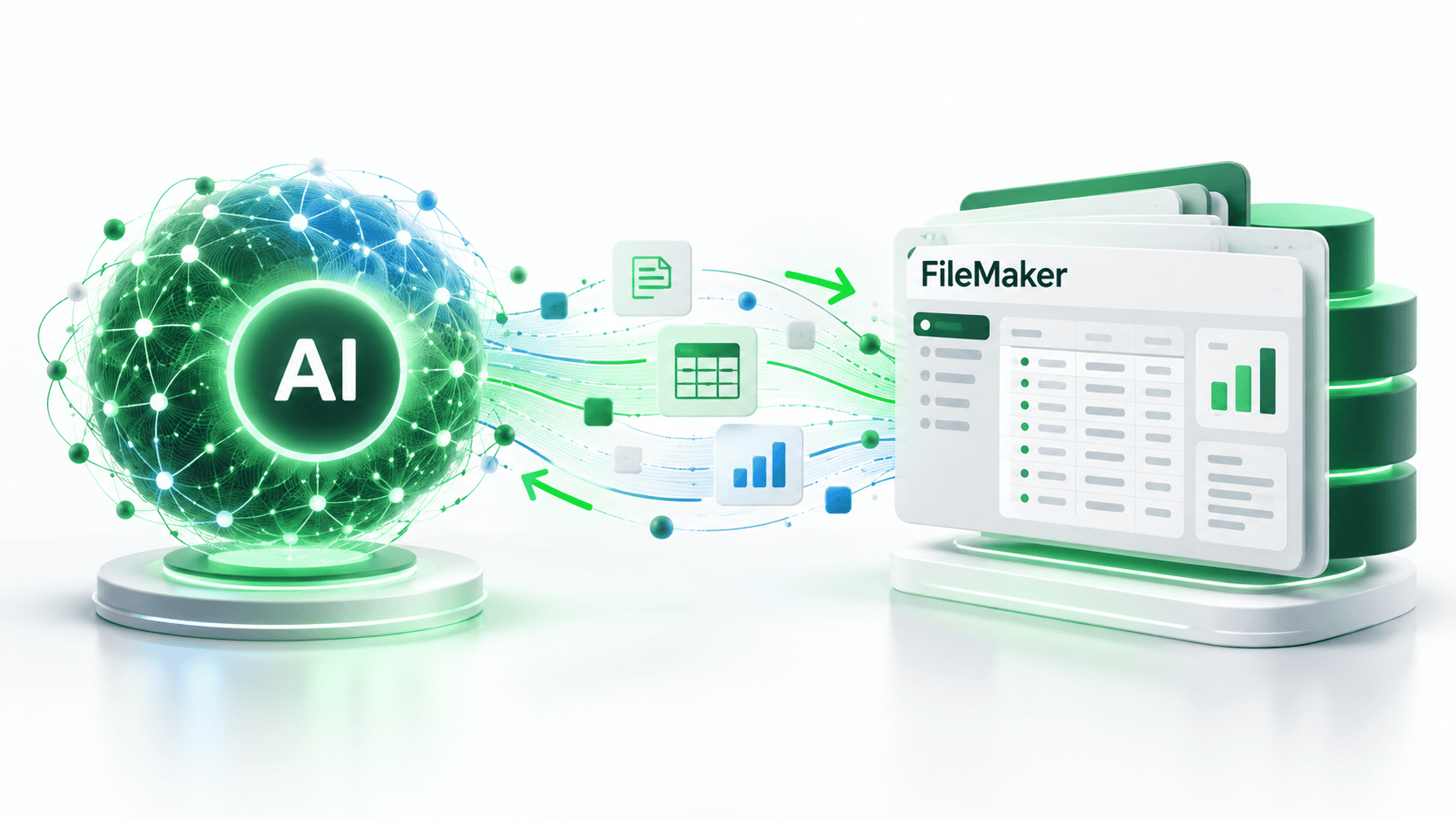
A Practical Guide for Businesses Considering FileMaker AI Integration
Can AI Be Integrated into an Existing FileMaker Application?
Yes. Existing Claris FileMaker applications can be enhanced with artificial intelligence without requiring businesses to replace their current database systems. Through APIs, FileMaker scripting, and supported AI capabilities, organizations can add intelligent document processing, natural-language database searches, automated reporting, predictive insights, and AI-assisted workflows.
For many businesses, the most practical approach is to introduce AI into an existing FileMaker solution incrementally, starting with a specific business process where automation or improved access to information can deliver measurable value.
The key question isn’t simply whether FileMaker can use AI. It’s which AI capabilities will provide the greatest return on investment for your business.
1. What Can AI Actually Do Inside FileMaker?
AI integration can extend FileMaker beyond traditional database management, allowing employees to interact with business information in new ways.
Here are six practical applications.
| AI Capability | Business Application | Potential Benefit |
|---|---|---|
| Natural-Language Queries | Ask questions about FileMaker data using everyday language | Faster access to business information |
| Document Processing | Extract information from invoices, contracts, and forms | Reduced manual data entry |
| Intelligent Reporting | Generate summaries and explanations of business performance | Faster management reporting |
| Workflow Automation | Classify requests and recommend next actions | Reduced administrative work |
| AI-Assisted Customer Service | Summarize customer histories and draft responses | Faster customer support |
| Predictive Analytics | Identify trends and estimate future demand | Better business planning |
Example: Ask Your FileMaker Database a Question
Imagine a business owner opening their existing FileMaker application and typing:
“Which customers generated the most revenue during the last six months?”
Instead of manually creating a find request, sorting records, and generating a report, an AI-enabled interface could interpret the question, retrieve authorized data, and present the results.
Other examples include:
- “Show me all overdue invoices exceeding $5,000.”
- “Which projects are currently over budget?”
- “Summarize our sales performance for the third quarter.”
- “Which customers haven’t placed an order in the last 90 days?”
These capabilities can be implemented through a combination of FileMaker scripts, controlled database queries, and AI services.
“We have successfully integrated natural language queries into client FileMaker systems. The key advantage is that users no longer need to know the FileMaker query language; they can just ask their FileMaker app a question, and get the answer they are looking for.”
William Miller
Founder and CEO of HighPower Data Solutions
Important: AI should not be given unrestricted access to business records. A properly designed integration validates queries, respects user permissions, and limits access to authorized information.
2. Does FileMaker Have Built-In AI Capabilities?
Yes. Modern versions of Claris FileMaker include native capabilities designed to support AI-related workflows, alongside FileMaker’s established scripting and API integration features.
Depending on the FileMaker version and deployment environment, available functionality may include support for semantic search, vector embeddings, and integration with AI services.
There are two primary approaches to implementing AI.
Option A: Native FileMaker AI Capabilities
Use supported FileMaker features to implement AI-related functionality directly within the application.
Best suited for:
- Semantic searches of business records.
- AI-assisted retrieval of relevant information.
- Solutions already running compatible FileMaker versions.
Option B: External AI Services
Connect FileMaker to external AI platforms using APIs.
Potential services include OpenAI, Microsoft Azure AI, and other compatible providers.
Best suited for:
- Natural-language conversations.
- Document interpretation.
- Content generation and summarization.
- More sophisticated AI-assisted workflows.
These approaches are not mutually exclusive. A FileMaker solution may combine native functionality with external AI services.
The appropriate architecture depends on the FileMaker version, security requirements, data volumes, integration complexity, and business objectives.
3. Five Signs Your FileMaker Application Could Benefit from AI
Not every FileMaker application needs artificial intelligence.
However, certain business challenges make AI integration worth evaluating.
1. Employees spend too much time searching for information.
If users frequently build complicated searches or reports to answer straightforward business questions, natural-language querying may improve productivity.
2. Your organization processes large numbers of documents.
AI-assisted extraction can help transfer information from invoices, purchase orders, and other documents into structured FileMaker records.
3. Management reports require substantial manual preparation.
AI can assist with summarizing data, highlighting trends, and explaining results. Financial totals and other critical calculations should still come from deterministic database logic.
4. Employees repeatedly perform similar administrative tasks.
AI can help classify incoming requests, summarize records, draft communications, and recommend workflow actions.
5. Your FileMaker system contains valuable information that is difficult to analyze.
AI-assisted search and reporting may make existing business information more accessible without replacing the underlying database.
4. Should You Upgrade FileMaker Before Adding AI?
Not necessarily.
Many existing FileMaker applications can communicate with external AI services through supported scripting and HTTP API capabilities.
This means an organization may be able to introduce AI without undertaking a complete application rebuild.
However, an upgrade may be appropriate when:
- The existing FileMaker version is no longer supported.
- Modern native AI capabilities are required.
- Server infrastructure needs modernization.
- Security or compatibility requirements cannot be met.
- Existing scripts and database structures require substantial improvements.
FileMaker AI Integration Decision Matrix
| Current Situation | Recommended Approach |
|---|---|
| Modern, supported FileMaker application | Evaluate native AI features and external APIs |
| Older FileMaker application with working API capabilities | Assess targeted external AI integration |
| Unsupported FileMaker version | Prioritize security and upgrade planning |
| Large volume of unstructured documents | Evaluate AI document extraction |
| Users need conversational access to records | Consider controlled natural-language querying |
| Complex legacy application | Conduct an architectural assessment before implementation |
HighPower Recommendation: Start by assessing the existing application. Avoid upgrading or rebuilding solely to introduce AI unless the proposed functionality or security requirements justify the investment.
5. How Much Does FileMaker AI Integration Cost?
The cost of integrating AI into FileMaker depends primarily on the complexity of the application, the selected AI capabilities, and the amount of development required.
A small integration that summarizes customer notes may require relatively little development. A sophisticated natural-language interface that interprets questions, retrieves authorized records, and produces business reports requires more extensive design, testing, and security controls.
Typical Implementation Levels
| Integration Level | Example | Relative Investment |
|---|---|---|
| Basic | AI-generated summaries, email drafting, or text classification | Low |
| Intermediate | Document extraction, automated workflows, or reporting assistance | Moderate |
| Advanced | Natural-language database queries and conversational interfaces | Higher |
| Enterprise | Multiple AI workflows, extensive integrations, governance, and auditing | Significant |
These categories represent relative implementation complexity, not fixed prices.
What Determines the Cost?
Several factors influence the overall investment:
- Existing FileMaker architecture: Well-organized applications are generally easier to extend.
- AI service selection: External providers may charge according to usage, model selection, or processing volume.
- Security requirements: Sensitive business information may require additional safeguards.
- Workflow complexity: Multi-step automation requires more development and testing.
- User interface requirements: A simple AI-assisted button is different from a fully conversational interface.
- Ongoing maintenance: AI integrations require monitoring, testing, and occasional updates.
HighPower Recommendation: Begin with a focused AI pilot project that addresses one measurable business problem. Evaluate its performance and return on investment before expanding the integration.
6. Is It Safe to Connect FileMaker to AI?
AI integration can be implemented securely, but security must be part of the architecture from the beginning.
A business should understand what information is transmitted to an AI provider, how that information is processed, and which employees are authorized to access the results.
Essential Security Considerations
| Security Area | Recommended Practice |
|---|---|
| Data Access | Restrict AI operations to authorized FileMaker records and fields |
| API Credentials | Store credentials securely rather than embedding them in exposed scripts |
| Sensitive Information | Minimize or redact confidential data before transmission |
| AI Responses | Validate results before using them in business-critical operations |
| Audit Trails | Record significant AI-assisted actions |
| Data Retention | Review the AI provider’s retention and privacy policies |
| Human Oversight | Require approval for consequential business actions |
One particularly important consideration is preventing AI-generated responses from directly modifying business records without appropriate validation.
For example, AI might recommend updating a customer’s account status. However, FileMaker should enforce the permissions and business rules governing whether that change is permitted.
The safest approach is to let AI interpret, summarize, and recommend while FileMaker maintains control over business data and transactions.
7. How Should a Business Begin a FileMaker AI Project?
HighPower recommends a five-step implementation process.
Step 1: Identify a Business Problem
Start with a specific operational challenge rather than introducing AI simply because the technology is available.
Examples include reducing manual invoice entry, simplifying management reporting, or improving access to customer information.
Step 2: Evaluate the Existing FileMaker Application
Review the application’s architecture, FileMaker version, hosting environment, security model, and existing integrations.
Determine whether the proposed AI functionality can be added without significant changes to the underlying system.
Step 3: Select the Appropriate AI Technology
Choose between native FileMaker capabilities, external AI services, or a combination of both.
The selection should reflect the required functionality, operating costs, security requirements, and expected usage.
Step 4: Develop a Limited Pilot
Implement the AI functionality for a defined group of users or a limited business process.
Measure its accuracy, reliability, processing costs, and actual productivity improvements.
Step 5: Expand Based on Results
Once the pilot demonstrates value, expand the integration to additional workflows.
This phased approach reduces risk and helps ensure that AI investments address genuine business needs.
8. Frequently Asked Questions About FileMaker AI Integration
Can ChatGPT connect to a FileMaker database?
Yes. FileMaker can communicate with OpenAI’s API through supported HTTP requests and scripting. This enables applications to send selected information for processing and incorporate AI-generated responses into workflows.
The ChatGPT consumer interface and the OpenAI API are different products, so connecting FileMaker to an AI model generally involves an API integration rather than simply connecting to a ChatGPT account.
Can I ask questions about my FileMaker data using natural language?
Yes. An appropriately designed AI integration can interpret conversational questions and retrieve information from authorized FileMaker records.
For example, a user might ask, “Which customers have outstanding invoices older than 60 days?”
The integration can translate that request into a controlled database operation and return the results.
Do I need to replace my existing FileMaker database to use AI?
No. In many cases, AI functionality can be integrated into an existing FileMaker application.
The feasibility depends on the application’s version, architecture, security configuration, and required AI capabilities.
Can AI automatically enter information into FileMaker?
Yes. AI can extract structured information from documents, emails, and other sources and prepare it for insertion into FileMaker.
For reliable operation, the extracted information should be validated against business rules before records are created or updated.
Does FileMaker AI integration require Claris Cloud?
No. External AI integrations can be implemented in appropriately configured FileMaker deployments, including self-hosted and third-party-hosted environments.
Certain native capabilities may have version-specific or deployment-specific requirements.
Can FileMaker AI run without sending confidential information to an external provider?
Potentially. Depending on the solution architecture, organizations may be able to use locally hosted or privately deployed AI models.
These implementations require evaluating infrastructure, model capabilities, performance, and security requirements.
9. HighPower’s Recommendation: Enhance Your Existing FileMaker Investment
For businesses already using FileMaker, artificial intelligence represents an opportunity to increase the value of an existing technology investment.
In many situations, the most effective strategy is not to replace the database but to make it more useful.
AI can help employees find information faster, automate repetitive tasks, process documents, and generate business insights.
However, successful integration requires more than connecting an API.
It requires understanding the organization’s business processes, the existing FileMaker architecture, and the limitations of AI technology.
HighPower Data Solutions helps organizations evaluate these opportunities and develop practical integration strategies that balance functionality, security, reliability, and cost.
10. Ready to Explore AI for Your FileMaker Application?
Discover What AI Could Do for Your Business
Your existing FileMaker application may already contain the information and workflows needed to benefit from artificial intelligence.
HighPower Data Solutions can help you identify practical AI opportunities, evaluate your current FileMaker environment, and develop an implementation roadmap tailored to your business.
Whether you’re considering natural-language database searches, intelligent document processing, or workflow automation, our team can help you determine where AI can deliver measurable value.