
For corporate leadership, custom database applications built on Claris FileMaker are often the backbone of daily operations. They handle everything from inventory tracking and order fulfillment to complex ERP workflows and client management. Yet, executives and project managers frequently ask a critical question about AI Tools:
“How does the rapid advancement of artificial intelligence actually change what our FileMaker development team can do for us?”
The short answer is that AI has shifted from an experimental add-on to a core productivity driver within the FileMaker ecosystem. Rather than replacing human developers, modern AI capabilities are elevating them. For corporate owners, this means faster project turnarounds, and time-saving, smarter solutions.
1. Native Engine Integrations: Building Smarter Solutions Faster with three methods:
Claris has embedded native artificial intelligence capabilities directly into the FileMaker platform. This allows developers to construct sophisticated AI workflows inside your custom apps without relying on fragile third-party hacks or expensive custom middleware.
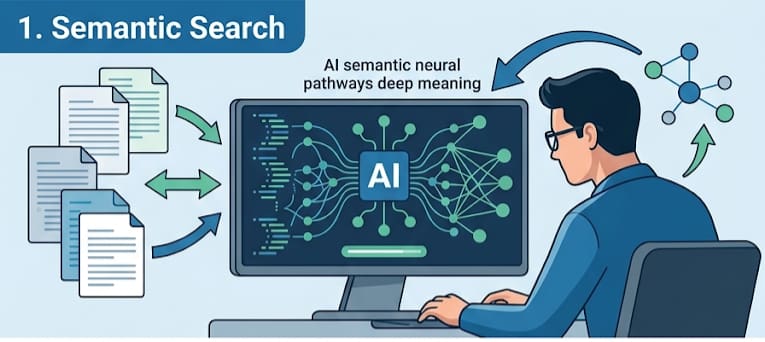
AI Tools Method 1: Semantic Search
Traditionally, searching a database required typing exact keywords into specific fields.
Have you ever tried to search for a record in your database that you knew was there, but you just couldn’t remember the correct phrase to search on? I just had this experience. I was looking for a secret key to unlock something, but the file was saved as ‘emergency kit’ instead. That’s why my searches failed.
But now, HighPower developers can build semantic search directly into your system. Search by meaning not by literal word. A user searching for “green energy initiatives” can instantly surface project records tagged with terms like “solar panel setup” or “wind turbine maintenance,” even if the word “green” never appears in the text.
This is a revolutionary change.
Related to that is:
AI Tools Method 2: Natural Language Data Querying
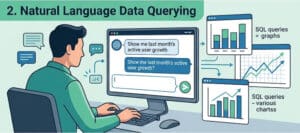
HighPower Data developers can give your executives the ability to ask plain-English questions—such as “Show me top-performing sales regions for Q3”—and let FileMaker dynamically map the request to native database queries.
AI Tools Method 3: Local AI & Privacy Controls

For corporate environments bound by strict HIPAA, SOC2, or internal compliance rules, external cloud APIs can pose security risks. Recent FileMaker advancements allow developers to connect your solutions to on-premises, local AI models. Your sensitive operational data stays strictly inside your corporate firewall while still benefiting from automated text summarization, document classification, and data extraction.
2. Developer Velocity: Accelerated Delivery Timelines
Beyond what goes into the end-user application, AI tools have transformed the internal workflows of FileMaker developers at HighPower Data Solutions. Tasks that previously consumed hours of billable development time are now completed in a fraction of the time.
What our developers don’t do with AI:
A single prompt like, “Write a program to track the warehouse inventory” could create a program that might perform that task, but the humans might not understand the purpose of every sub-routine and field referenced in the program. It is possible to give AI too much control, even in a FileMaker programming project.
Instead, our HighPower developers use prompts limited to sections of the program. A prompt used safely can quickly produce a script step or loop that would normally take hours to write and debug.
Or, if we take up a project that had been started by a different developer, we can use AI summaries to quickly understand the purpose of some scripts.
So the programmers are left with high-level task such as testing and summarizing. It’s as if each programmer had their own team of programmers working beneath them to quickly complete arduous tasks.
| Development Task | Traditional Approach | AI-Assisted Workflow |
| Complex Calculations & ExecuteSQL | Manual syntax drafting, debugging nested loops | Prompt-based generation of structured calculations and SQL queries |
| Documentation & Code Auditing | Manual script comments and outdated technical specs | Automated script step explanations and schema architecture mapping |
Because developers spend less time on routine boilerplate coding, more of your project budget goes directly toward high-value business logic, custom UI refinement, and strategic feature delivery.
3. What This Means for Your Corporate Bottom Line
For business owners, the integration of AI into the FileMaker ecosystem delivers three clear commercial advantages:
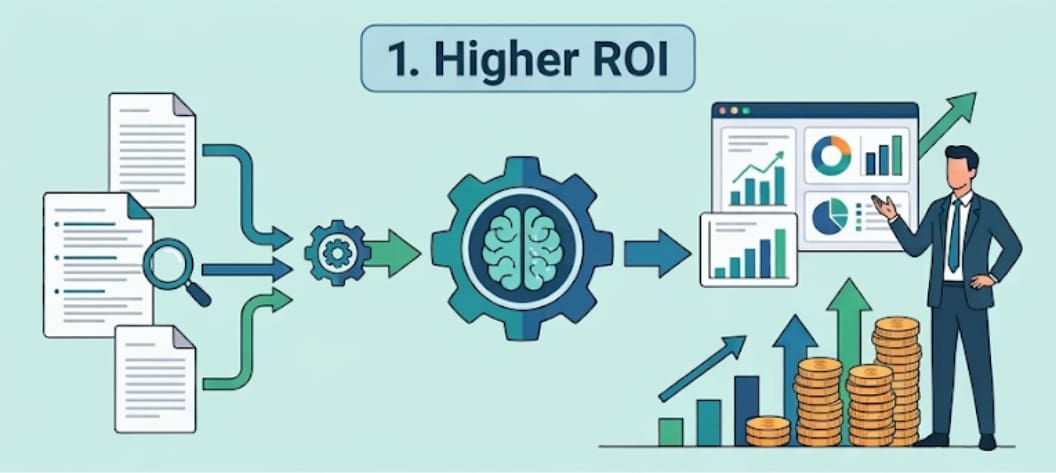
Higher ROI on Legacy Data:
Unstructured text fields, historical customer interaction logs, and PDF attachments in your database—previously sitting idle—can now be indexed, searched, and summarized for executive decision-making.
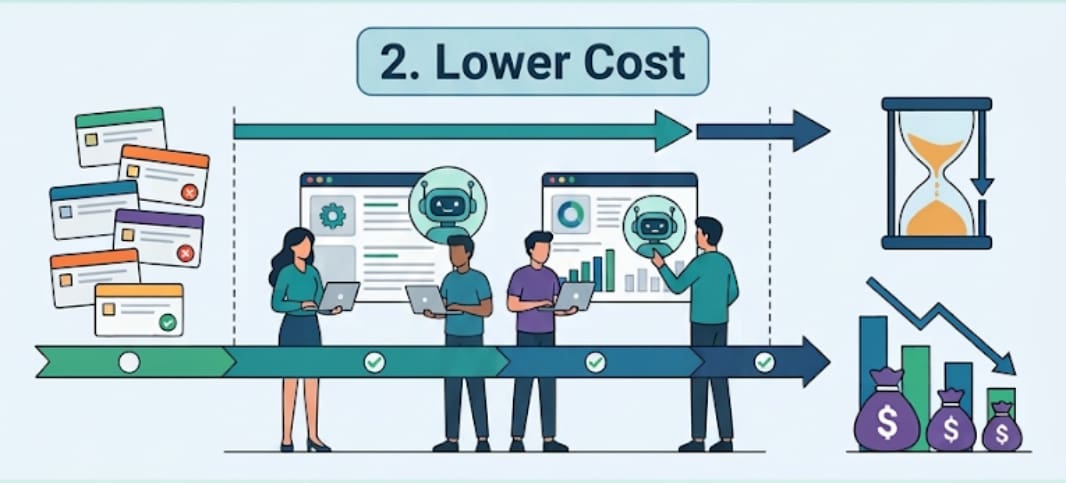
Lower Total Cost of Ownership (TCO):
Faster development cycles mean features move from the backlog to production faster, reducing overall implementation hours for major software initiatives.
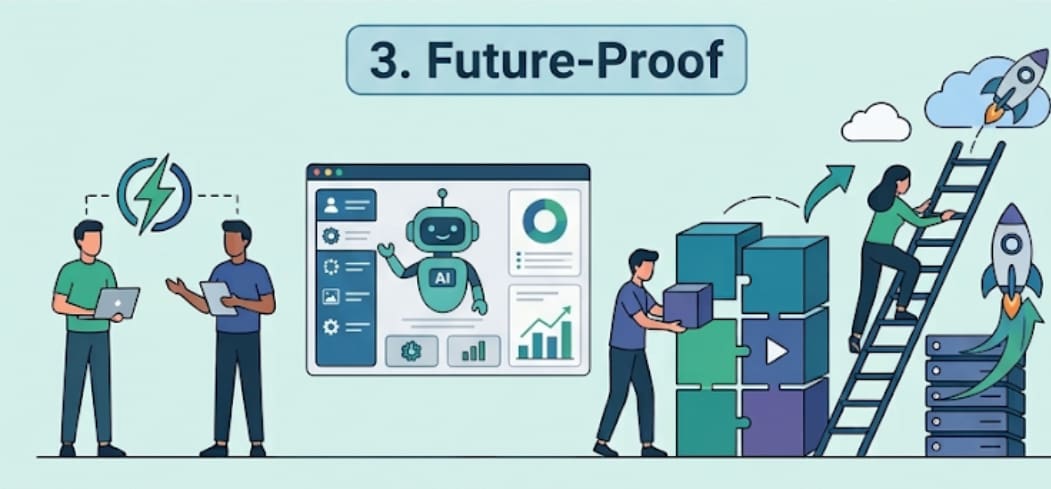
Future-Proof Infrastructure:
By hiring HighPower Data developers who leverage modern FileMaker AI tools, your organization ensures its core custom software evolves alongside modern technology rather than growing obsolete.
The goal of AI in custom FileMaker development isn’t to automate away human judgment, but to supercharge developer capability. By pairing experienced HighPower Data FileMaker architects with modern AI frameworks, corporate teams can build faster, more intuitive, and significantly more powerful business applications.