
Part 1: Discover How FileMaker’s New AI Tools Make Your Daily Work Easier
FileMaker has added fourteen new AI script commands that can make your database tasks faster, easier, and even a little more fun!
This two-part article describes two easy FileMaker Tools which can be used by “Citizen Developers” and “FileMaker Developers.”
Here are two possible uses for those new commands:

1. Let FileMaker AI Write for You
Are you tired of typing long descriptions, summaries, or emails? Now you can highlight your notes in FileMaker and ask AI to create a clean, clear write-up (just like you could do in a browser with ChatGPT). It can turn messy text into something polished, or take a few bullet points and turn them into a full paragraph. Perfect for reports, project descriptions, or customer communication.
 2. Ask FileMaker Questions in Plain English
Do you want to search for data but are unsure how to use the correct Find queries? You can now program FileMaker so you can type questions like “Which customers haven’t paid their invoice?” or “Show me appointments next week,” and the AI will help guide you to the right layout, search, or summary. It’s like having a smart assistant who knows your database inside and out.
These 14 new script commands are available in the FileMaker program now, and they’re designed to help you work faster. A subscription to an AI service is required, along with the required scripting knowledge. But if you know how to program FileMaker, you’ll probably be able to use these new AI script commands
Create Your Own Company Knowledge Base about your customized application
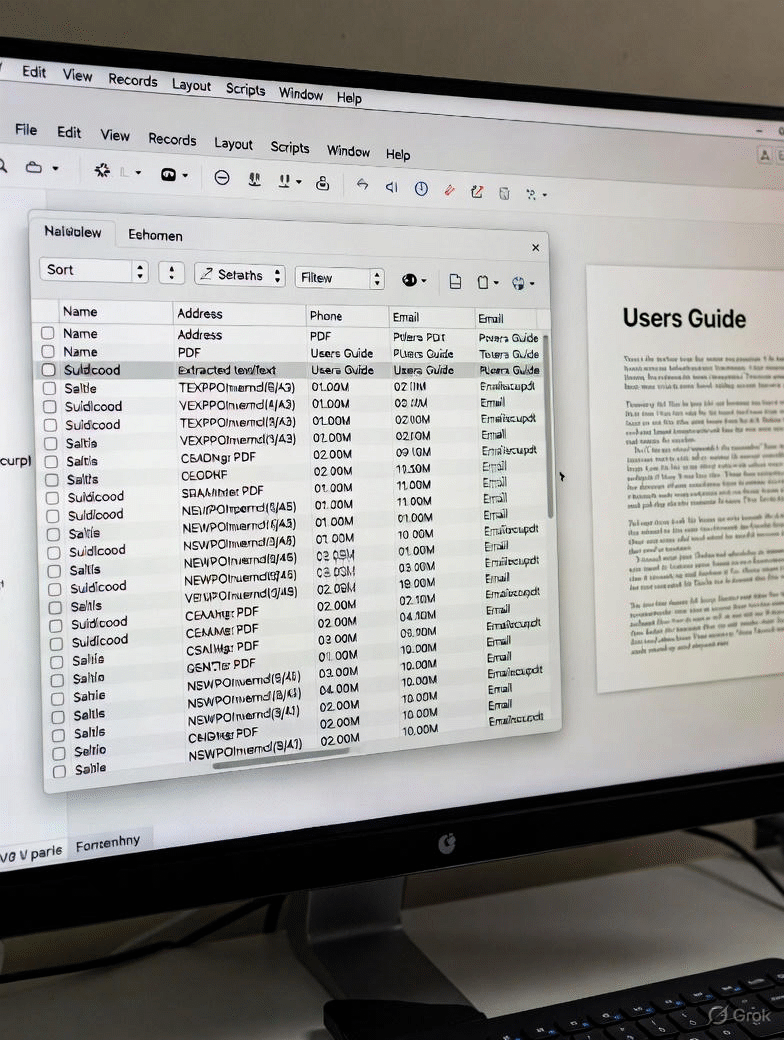 Here’s a real-life use-case of how your company could use FileMaker AI to instruct employees about how to use a customized FileMaker application built specifically for your company.
If there is a User Guide for the application, then FileMaker AI can answer questions about how to use the FileMaker application by referring to the company User Guide. In other words, the User Guide becomes the knowledge base to answer questions.
The user guide must be structured correctly to make queries understandable. You must bring the text into FileMaker fields. Fortunately, this is now possible with the new GetTextFromPDF function, which converts a PDF into regular text that can be accessed by the FileMaker AI environment.
FileMaker is fully equipped with the AI tools to make creating and editing text, emails, and reports faster and easier. The built-in “Semantic Search” make is easy to create search queries in plain English. And it can empower your custom application to use text pulled from a PDF or any other source as a foundation of information to create a natural chatbot.
 Contact us to discuss how we can give added intelligence and new AI Tools to your custom FileMaker application.
Call 612-401-7550. HighPowerData.com
Part 2:
How FileMaker Developers at HighPower Data Solutions Can Save Time With the New AI Features
Our FileMaker Developers Use AI to Deliver Better Solutions—Faster
The latest FileMaker AI tools aren’t just convenient—they can help our developers streamline workflows, enhance user experience, and cut hours off development time.
 1. Rapid Script and Layout Suggestions
Our developers can now use AI to suggest script steps, build calculation logic, or outline workflows—all from simple natural-language prompts. Instead of starting from scratch, you can get a draft version instantly and refine it. This reduces development time and helps deliver polished features to clients sooner.
 2. Automatic Data Cleanup and Standardization
One of the biggest time-sinks in client projects is cleaning up inconsistent or poorly formatted data. FileMaker’s AI can now help normalize addresses, clean up text fields, rewrite inconsistent descriptions, or flag unusual entries automatically. Less manual cleanup means faster deployment and more accurate final solutions.
These new tools empower our developers to work more efficiently while giving clients better, cleaner, and more intuitive FileMaker systems. If we build or maintain FileMaker solutions for you, these AI features can quickly become your most valuable time-saving helpers.
Claris designed the new AI tools so both FileMaker Pro (desktop) and FileMaker Server can use them — but they benefit in different ways.
You do NOT need FileMaker Server to use the new AI features, but you will need an AI account.
But the one thing you absolutely need is trained FileMaker developers who know how to use AI in your application.
Contact us to discuss how we can give added intelligence and new AI Tools to your custom FileMaker application.
Call 612-401-7550.
William Miller at HighPowerData.com