
FileMaker is a mature, powerful database platform that has been in active use for more than 30 years, in more than 125 countries. Known for its rapid development capabilities, cross-platform support, and deep integration options, it is used by organizations needing custom software without the overhead of traditional enterprise development. However, like any database system, FileMaker’s performance is closely tied to how it is designed and maintained. One of the most common—and most correctable—causes of poor performance is excessive file size due to poor container storage choices.
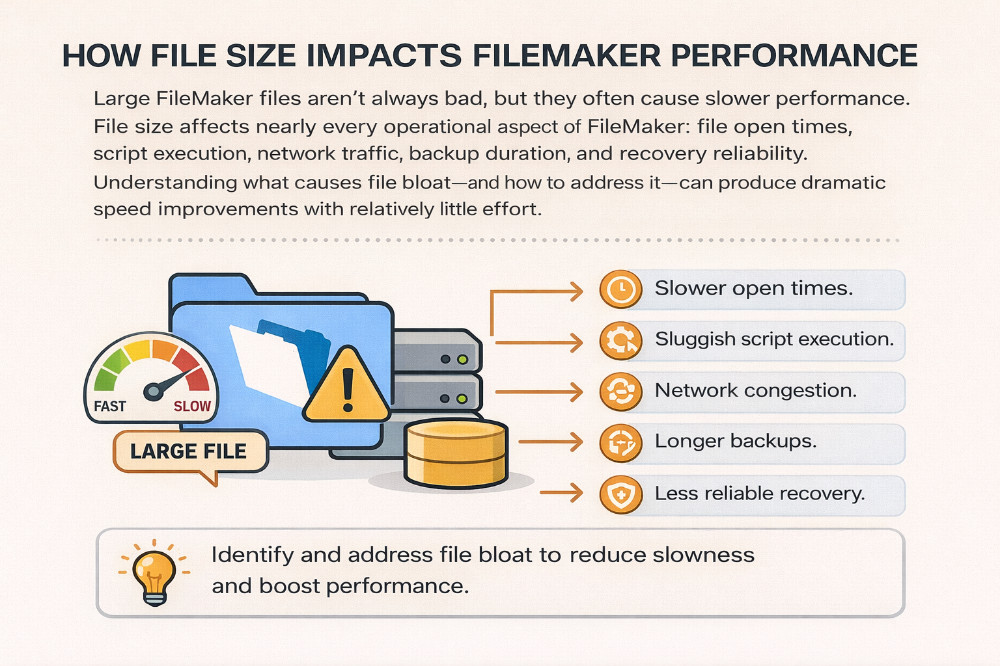
Large FileMaker files are not inherently bad, but they often lead to slower performance. File size affects nearly every operational aspect of FileMaker: file open times, script execution, network traffic, backup duration, and recovery reliability. Understanding what causes file bloat—and how to address it—can produce dramatic speed improvements with relatively little effort.
WHY does a large file size make a slow FileMaker application? It’s not a limitation with FileMaker, which can support massive files. We have a client with a single file containing 70 million records. But poorly designed data architecture will cause problems with stored and unstored calculations, summary fields, and other data requests that reach across multiple table entities. These problems are not apparent when a file is small, but as it gets larger, these inherent weaknesses reveal themselves.
The Hidden Cost of Internal Container Storage
A frequent culprit behind oversized FileMaker files is the improper use of container storage fields, which are designed to store documents such as images, PDFs, and other binary files. By default, FileMaker allows these files to be stored internally—meaning the binary data is embedded directly inside the .fmp12 file itself.
This approach may work with small files, but it does not scale well. Every image, PDF, or document stored internally increases the size of the database file. With document-heavy systems, this can cause exponential growth as files are added.
We worked with a client whose primary FileMaker file had grown to 80 GB. The system was sluggish; backups took hours; and server maintenance had become risky. We discovered that all the container fields were set to store files internally. No external storage options had been enabled.
External Container Storage: Smaller Files, Faster Systems
FileMaker includes an option called “Store container files externally”, which allows container data to be stored outside the main database file while maintaining seamless access for users.
After we transitioned the client’s container fields to external storage, the results were immediate and substantial.
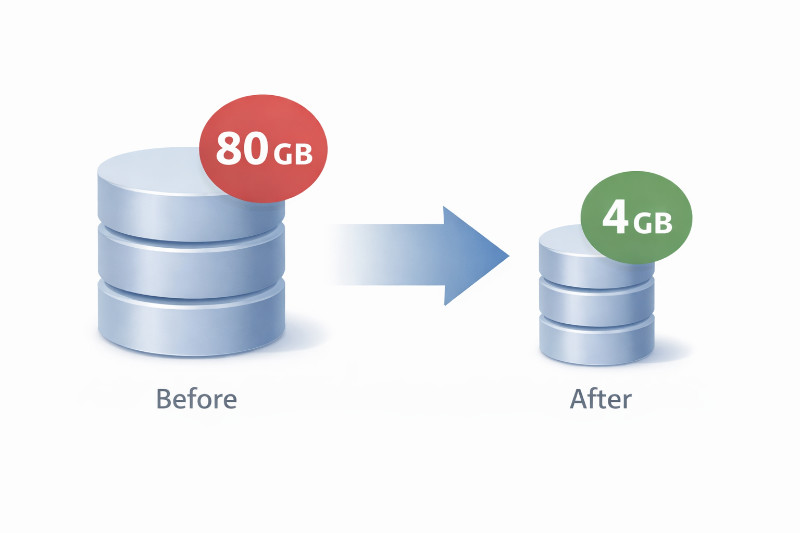
The database file size dropped from 80 GB to just 4 GB. This single change dramatically improved performance across the system:
-
File open times decreased
-
Script execution became more responsive
-
Server backups completed significantly faster
-
Backup reliability improved
-
Network load was reduced for remote users
Importantly, users experienced no functional loss. Files still appeared and behaved exactly as before—just without the performance penalty.
A major advantage of external container storage is how they are stored on disk. Instead of being stored in a constantly changing huge file (and actually being duplicated with every backup), external container storage is only backed up ONCE, due to the OS-level symbolic links. That is, if a given .zip, .jpg, .mov file hasn’t changed, it only occupies disk space ONCE, avoiding a giant FM file.
Why Smaller File Sizes Matter
FileMaker loads portions of the database into memory. Smaller file size mean less disk I/O, faster caching, and more efficient data handling. On FileMaker Server, smaller file size also reduce the risk associated with backups, restores, and upgrades. Reducing file size improves speed, stability, and long-term maintainability.
Final Thoughts
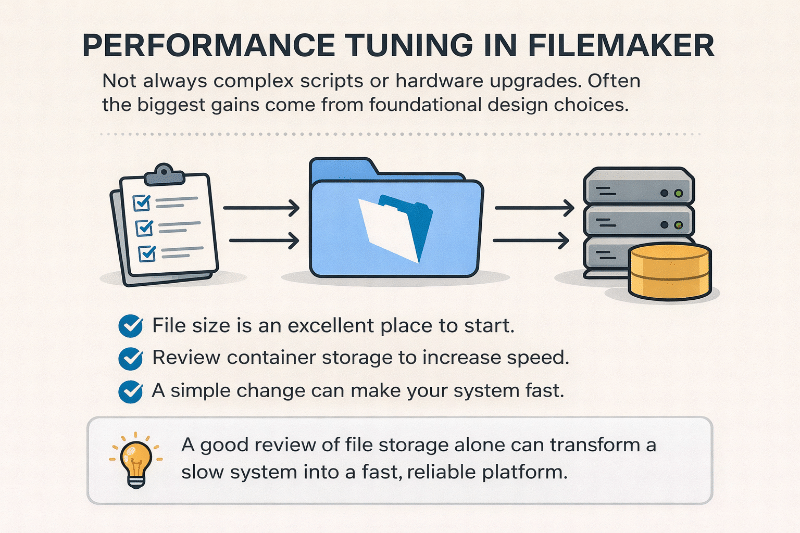
Performance tuning in FileMaker does not always require complex scripting or hardware upgrades. Often, the biggest gains come from addressing foundational design decisions—such as how files are stored. If your FileMaker solution feels slow or unwieldy, file size is an excellent place to start. A careful review of container storage alone can transform a struggling system into a fast, reliable platform once again.
Contact us to get a speed test on your FileMaker system.